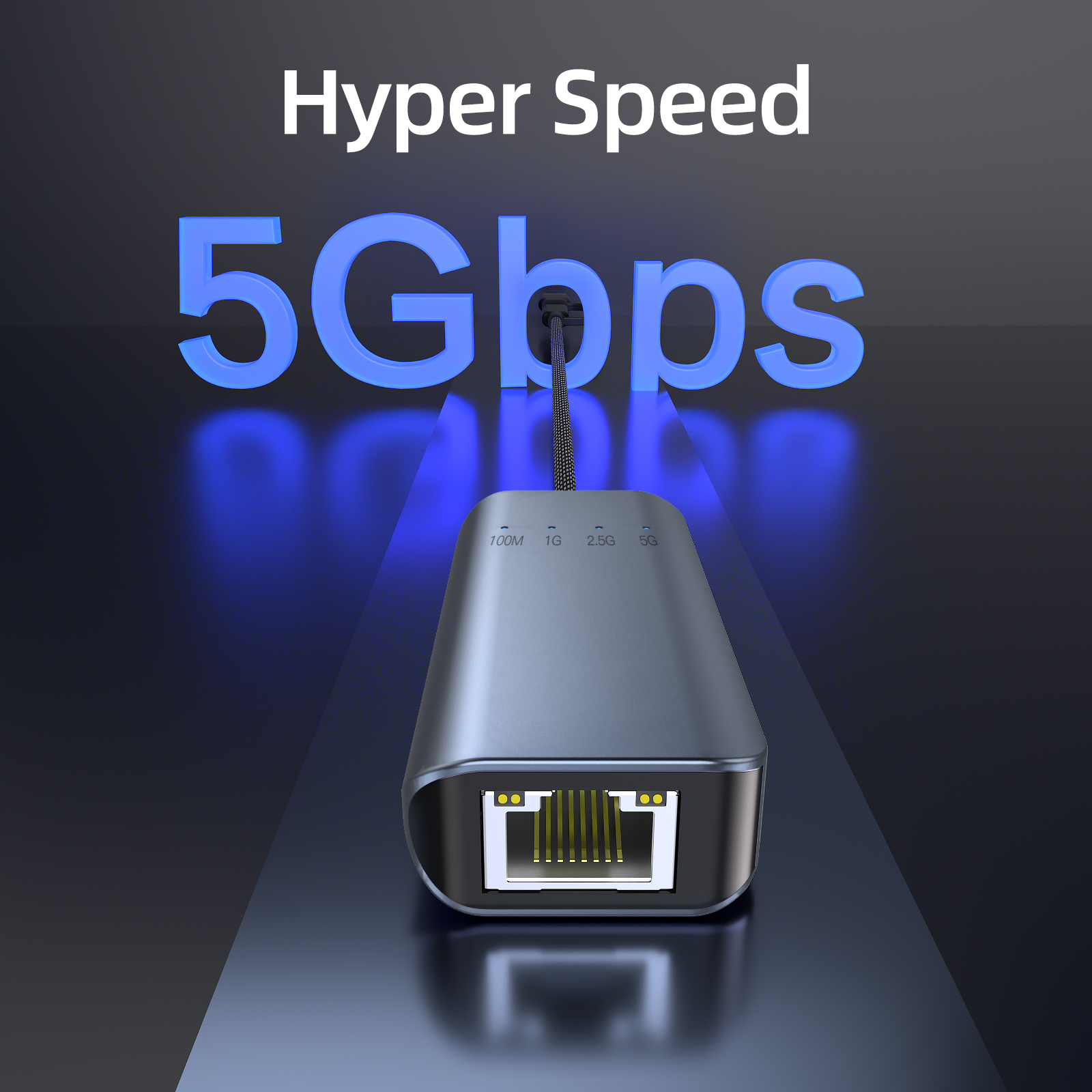
In daily life, we often equip our computers or laptops with a variety of accessories. These accessories play a role in our daily life, but many times, we can't even name them. The USB-C to Ethernet adapter may be one of them. Although it is not very noticeable, it plays an important role. Today, let's take a deeper look at what it is and how it works.
What is a USB-C to Ethernet adapter?
A USB-C to Ethernet adapter is a device that connects a computer to an Ethernet network. USB-C is a new connector that is becoming more and more popular on devices such as laptops. However, many newer computers and laptops do not have Ethernet ports, which makes USB-C to Ethernet adapters particularly useful.
The adapter has a USB-C male end and an Ethernet female end. To use it, just plug the USB-C end into the computer and the Ethernet end into an available Ethernet port on the router or network switch, and the adapter will automatically establish a connection between the computer and the network.
However, please note that not all USB-C ports are exactly the same. Some older laptops may have USB 2.0 ports that are not compatible with this adapter. So, before purchasing an adapter, be sure to check the specifications of your laptop in case the adapter does not work with your older laptop.
How does it work?
A USB-C to Ethernet adapter is essentially a cable that connects your computer to an Ethernet network. It usually has a USB-C connector on one end and an Ethernet port on the other.
It's very simple to use. First, plug the USB-C end of the adapter into the USB-C port on your computer. Next, connect the Ethernet cable from your router or modem to the adapter. This will allow your computer to connect to the Internet via Ethernet.
Once the USB-C end of the adapter is connected to the USB-C port on your computer and the Ethernet cable connects the adapter to your router or modem, your computer will automatically detect the adapter and connect to the Internet. You can now browse the web, stream videos, or do other online activities. For computers that don't have a built-in Ethernet port, a USB-C to Ethernet adapter is undoubtedly an easy and convenient way to get online.
Does this adapter come with a power cord?
The answer is yes, the adapter usually comes with a power cord. This power cord is used to connect the adapter to an electrical outlet, and the adapter uses the power from the outlet to charge the device.
Why would people want to use this adapter?
There are a few main reasons why people use USB-C to Ethernet adapters.
First, wired connections are faster and more reliable. In most cases, wired connections are faster and more reliable than wireless connections.
Second, the adapter comes in handy when you need to connect to a network that doesn't have Wi-Fi. This may be because the Wi-Fi coverage in the area is poor, or the network you are trying to connect to is password-protected and there is no login information.
Third, some devices like the MacBook Pro don't have an Ethernet port, and using a USB-C to Ethernet adapter is the only way to establish a wired connection for these devices.
What are the benefits of using a USB-C to Ethernet adapter?
Faster Speed
Ethernet networks are generally faster than Wi-Fi networks, and using a USB-C to Ethernet adapter will give you a noticeable speed boost, whether you're downloading files or watching HD videos.
More Reliable Connection
Wi-Fi connections are susceptible to a variety of factors, such as interference from crowded areas or other devices, which can cause unstable connections, dropouts, or slow speeds. Ethernet connections are more reliable and provide you with a stable network environment.
More Secure
When connected to Ethernet, your data is less likely to be intercepted by others on the same Wi-Fi network. This is critical for handling sensitive data such as banking information or confidential business documents, and can effectively ensure data security.
Lower Latency
Latency is the time between when data is sent and when it arrives at its destination. Wired Ethernet connections have lower latency than Wi-Fi connections, which can provide a better experience for real-time applications such as online gaming or video streaming.
How to Set Up a USB-C to Ethernet Adapter
If your computer or laptop doesn't have an Ethernet port and you need to connect to a wired network, a USB-C to Ethernet adapter can solve this problem. Here are the setup steps:
Plug the USB-C end of the adapter into your computer's USB-C port.
Connect the other end of the adapter to an Ethernet cable.
Plug the Ethernet cable into your router or other network device.
Once you've done all of the above, your computer should be able to connect to the network. If the connection doesn't work, try restarting your computer or checking your network settings.
Conclusion
The USB-C to Ethernet adapter is a small but useful device that connects your computer to an Ethernet network. It works by plugging the device into your computer's USB-C port and then connecting it to an Ethernet cable, which provides your computer with an Internet connection. Whether you're looking for faster network speeds, more stable connections, or greater data security, the USB-C to Ethernet adapter can meet your needs.