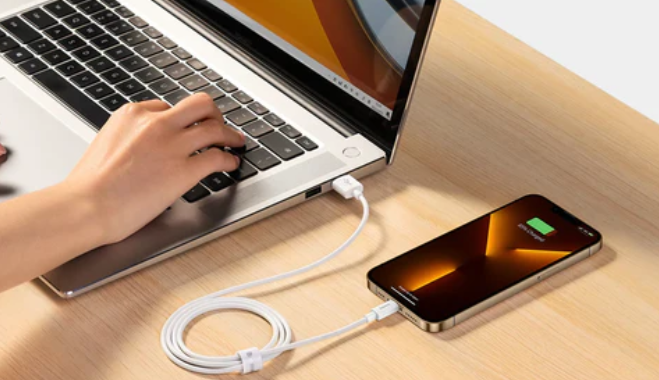
Nowadays, laptops have become indispensable tools for both work and entertainment. However, their portability is often compromised by bulky designs. With the rise of slim and stylish laptops represented by MacBook, thinness has become a trend. Nevertheless, the pursuit of thinness often comes at the cost of reducing the number of ports, which becomes a significant drawback when users need to connect multiple devices simultaneously.
The Port Dilemma of Modern Ultrabooks
Users who have recently purchased a new ultrabook may have noticed a severe shortage of ports. Gone are the days when laptops were equipped with numerous USB slots, Ethernet jacks, and HDMI output ports. Instead, most new laptops, especially ultrabooks, typically come with only one or two USB-C ports. While this minimalist design may look fashionable, it is far from practical for users who need to connect multiple peripheral devices simultaneously.
Imagine this scenario: you are urgently working on a project and need to connect an external hard drive, a USB mouse, a monitor, and a phone charger all at once. However, your laptop only has two ports. In this case, you are forced to constantly plug and unplug devices, wasting precious time in the process.
Common Connectivity Frustrations
The lack of ports leads to several common issues:
Limited Multitasking: The insufficient number of ports prevents you from connecting multiple devices simultaneously.
Frequent Disconnections: Constantly switching between devices can lead to accidental disconnections during data transfer, and even data loss.
HDMI Absence Woes: For remote workers or gamers, the absence of an HDMI port can be inconvenient, especially when you need a second screen or want to display content on a larger screen.
Ethernet Absence Concerns: Wi-Fi is not always reliable, and the lack of an Ethernet port limits your ability to enjoy fast and stable internet connectivity.
So, how can you solve these problems without sacrificing the portability of your laptop?
Simplify Your Setup: USB-C Hubs to the Rescue
The solution is simpler than you might think: a USB-C hub can easily expand your laptop's functionality by integrating all the necessary ports into a small, portable device. A USB-C hub multi-port adapter, like the one from [Brand Name, here replaced with generic description as per previous instruction, use Purplelec if brand retention is needed], is a game-changer in this regard.
This 8-in-1 USB-C hub combines all the essential functions you need into a compact device. Here's how it solves your connectivity issues:
Multiple Ports, No Switching Required: Equipped with an HDMI port, two USB-A ports, an Ethernet port, an SD card reader, and a 100W PD charging port, you can connect all your devices simultaneously without the need for constant plugging and unplugging.
4K HDMI Output: With a 4K@60Hz HDMI port, you can enjoy stunning visuals on a second screen, perfect for presentations, movie watching, or gaming on a larger display.
Fast and Stable Internet: The built-in 1Gbps Ethernet port ensures a reliable internet connection even when Wi-Fi is unstable.
Ultra-Fast Data Transfer: The USB 3.0 ports offer speeds of up to 5Gbps, allowing you to transfer large files in seconds. Additionally, photographers and designers will appreciate the SD and TF card readers, which support simultaneous use for easy file access.
By using a USB-C hub, you can streamline your workflow and make your remote office setup, gaming station, or crea-tive space more efficient and organized.
Conclusion
Instead of struggling with limited ports and endless cable plugging and unplugging, upgrading your device setup with a versatile USB-C hub is the key to maintaining efficiency. A USB-C hub multi-port adapter provides you with the flexibility and functionality you need to connect all your devices, allowing you to focus on what matters most—whether it's work, gaming, or crea-tive projects.